Wiza
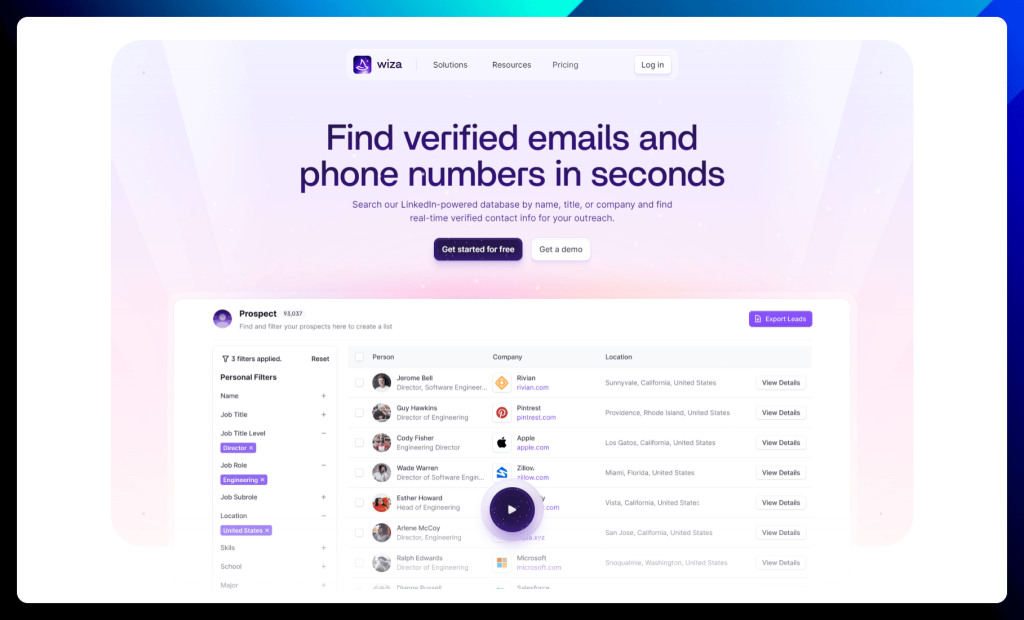
Wiza is designed to eliminate the time you waste searching for accurate contact information. Think of it as a treasure trove of verified emails and phone numbers, empowering you to connect with the right prospects effortlessly.
This powerful platform provides real-time verified contact data for your outreach campaigns, eliminating the need for outdated databases and manual data entry. Enjoy seamless integrations with your existing tools, increased efficiency, and a streamlined workflow.
Everything you need to build a strong pipeline and drive revenue growth.
Wiza key features:
- LinkedIn-powered database: Search for contacts by name, title, or company and unlock a treasure trove of information. No more digging through profiles for contact details!
- Chrome extension: Export prospects to a CSV file or send them straight to your CRM with a click. Seamless integration for maximum efficiency.
- Multiple contact points: Find work emails, personal emails, direct dials, and even cell phone numbers. Wiza leaves no stone unturned in its quest for contact information.
- Email verification: Ensure your emails reach the inbox with real-time verification. Say goodbye to bounces and hello to higher deliverability rates.
- Data sync: Integrate Wiza with your favorite tools for a smooth and efficient workflow. Keep your data flowing seamlessly between platforms.
✅ Wiza pros:
- Time-saving efficiency: Wiza excels at automating the tedious process of finding and verifying contact information, freeing up valuable time for more important tasks.
- Accurate and reliable data: Users consistently praise Wiza for its high accuracy rate in providing verified email addresses and phone numbers, leading to improved deliverability and successful outreach.
❌ Wiza cons:
- Cost: While Wiza offers a free plan, some users find the paid plans to be relatively expensive compared to competitors, especially for those with limited budgets.
- Limited functionality in the free plan: The free plan has restricted features, which may not be sufficient for users with more demanding outreach needs.
Wiza is best for:
- Sales teams: Scale your outbound efforts, drive new revenue, and connect with prospects quickly and easily.
- Recruiting teams: Source top talent and get their contact information without breaking a sweat.
- Marketing teams: Build targeted custom audiences and reach the right people with your message. Wiza helps you refine your marketing efforts.
Wiza pricing:
Wiza offers transparent and flexible individual plans with options for monthly or annual billing. Enjoy unlimited credits when you pay yearly and save on your plan!
| Wiza pricing plans |
Description |
| Free |
→ Perfect for occasional prospecting.
Includes 20 emails/month and 5 phone numbers/month. |
| Email
($83/month billed annually) |
→ Ideal for those focused on email outreach.
→ Offers unlimited emails and a 10k/month export limit. |
| Email + Phone
($166/month billed annually) |
→ Designed for users who leverage both email and phone outreach.
→ Provides unlimited emails, phone numbers, and a 10k/month export limit. |
Wiza’s pricing is designed to scale with your needs, offering cost-effective solutions whether you’re just starting out or looking to maximize your outreach potential.
Skrapp
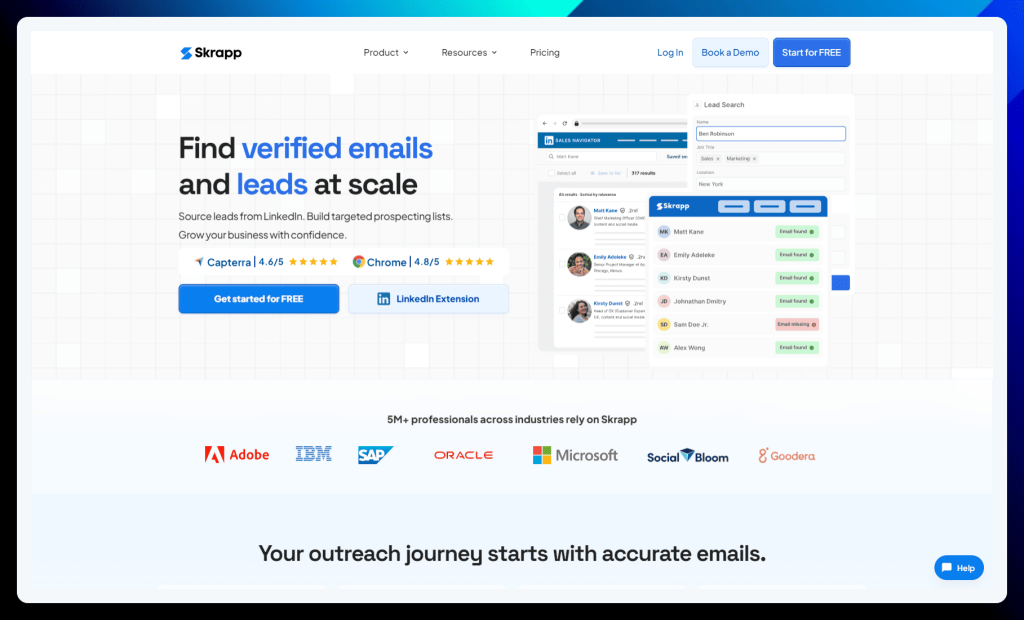
Frustrated by the lack of publicly available email addresses? Skrapp may be your solution.
Unlike other tools that rely on guesswork or outdated databases, Skrapp employs a unique algorithm to predict and verify professional email addresses with impressive accuracy.
This means you can confidently build hyper-targeted prospecting lists, knowing your outreach efforts will reach the right inboxes. Skrapp seamlessly integrates with LinkedIn and Sales Navigator, allowing you to effortlessly uncover contact information while browsing profiles.
No more dead-end searches or wasted time – Skrapp puts the power of accurate email data at your fingertips.
Skrapp key features:
- LinkedIn Email Finder: Transform LinkedIn into a lead generation engine with the Skrapp Chrome Extension. Effortlessly find and connect with prospects on their preferred platform.
- Global database: Tap into Skrapp’s massive database of 150 million business profiles and emails, refreshed daily. Connect with professionals from any company, anywhere in the world.
- Email search: Build targeted and validated email lists from LinkedIn, Sales Navigator, and Skrapp’s global database. That means fewer bounces and higher deliverability.
- Data enrichment: Go beyond email addresses and enrich your database with valuable company data like revenue and headcount. Target your outreach with precision.
- Accuracy at its finest: See the real-time health status of your prospect emails and focus on those most likely to land in the inbox. No more wasted effort on invalid addresses.
✅ Skrapp pros:
- Ease of use: Skrapp is praised for its user-friendly interface and intuitive design, making it easy to navigate and find email addresses quickly.
- Affordable pricing: The free plan offers a generous amount of credits, making Skrapp accessible to individuals and small businesses with limited budgets.
❌ Skrapp cons:
- Accuracy concerns: While Skrapp boasts a high accuracy rate, some users have reported instances of incorrect or outdated email addresses, requiring additional verification.
- Limited platform compatibility: Skrapp primarily focuses on LinkedIn and Sales Navigator, which can be a limitation for users who source leads from other platforms.
Skrapp is best for:
Sales professionals who want to find emails, build targeted lists, and manage their outreach like a pro.
Skrapp pricing:
Skrapp offers a simple and straightforward pricing structure with two main options:
| Skrapp pricing plans |
Description |
| Free |
→ Get started with Skrapp’s core features for free.
→ Includes 100 email finder credits and 200 email verifier credits per month.
→ Access to the LinkedIn Email Finder, Website Email Finder, and basic search and verification tools.
→ Ideal for individuals with limited needs or wanting to try Skrapp before committing to a paid plan. |
| Starter
(£30/month billed annually) |
→ Designed for individuals and small teams who need more credits and advanced features.
→ Includes 1,000 email finder credits and 2,000 email verifier credits per month.
→ Unlocks Sales Navigator Email Finder, LinkedIn automation, bulk search options, and more comprehensive verification tools.
→ Offers access to APIs and CRM integrations for enhanced functionality. |
Both plans include access to Skrapp’s Chrome extension, allowing you to find emails directly on LinkedIn and Sales Navigator.
LinkedRadar
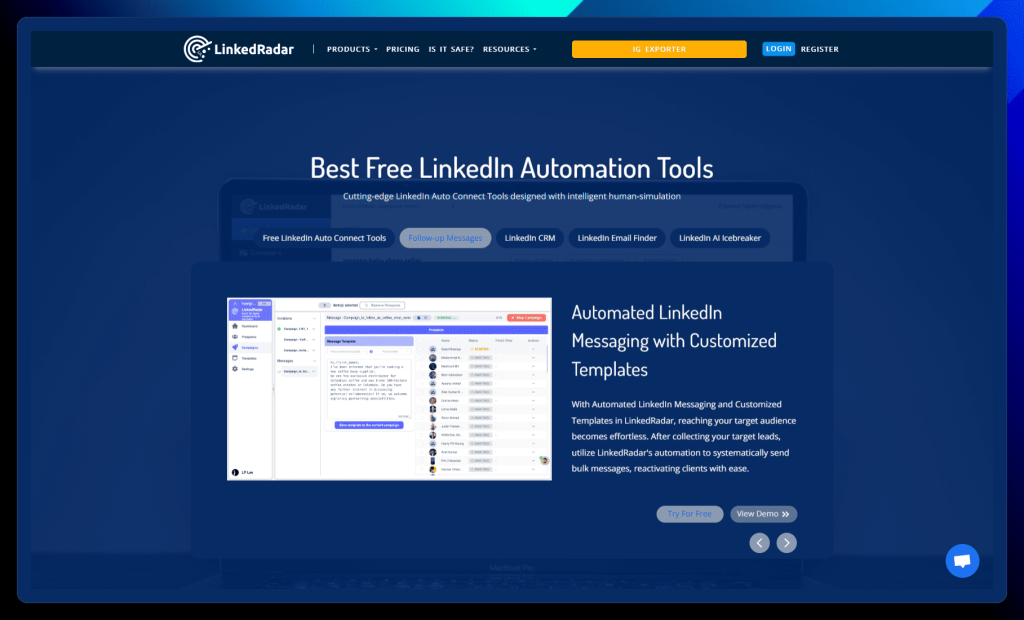
LinkedRadar reimagines LinkedIn automation, combining powerful features with intelligent human simulation to safeguard your account and maximize your outreach potential.
Unlike tools that blast generic messages, LinkedRadar prioritizes personalized engagement, using AI to craft compelling icebreakers that spark genuine connections.
This comprehensive platform goes beyond basic automation, offering a built-in CRM to organize your leads, a multi-channel email finder to broaden your reach, and customizable templates to streamline your messaging.
With LinkedRadar, you can confidently navigate the complexities of LinkedIn outreach, building a thriving network and driving meaningful results.
LinkedRadar key features:
- Free automation tools: Connect with prospects automatically using features like randomized delays, gradually increasing daily limits, and high-converting templates. LinkedRadar helps you avoid detection and stay within LinkedIn’s guidelines.
- AI-powered icebreakers: Craft personalized invitations with one click using AI-generated icebreakers based on your prospect’s profile. Say goodbye to generic messages and hello to engaging conversations.
- Automated messaging: Send bulk messages to your target audience using customized templates. Reach more prospects and nurture relationships with ease.
- Cost-effective CRM: Organize your LinkedIn leads and manage your network like a pro. LinkedRadar’s CRM helps you stay on top of your connections and track your progress.
- Multi-channel email finder: Uncover up-to-date email addresses by comparing multiple channels. Expand your reach beyond LinkedIn and connect with prospects on their preferred platform.
✅ LinkedRadar pros:
- Effective lead generation: LinkedRadar excels at helping users connect with and engage targeted leads on LinkedIn, particularly for recruiters seeking potential candidates.
- User-friendly interface: Users appreciate the platform’s intuitive design and ease of use, making it accessible even for those new to LinkedIn automation.
❌ LinkedRadar cons:
- Limited follow-up options: The platform currently lacks advanced options for multi-stage follow-up messages, which can hinder long-term client management and nurturing.
- Potential speed limitations: Some users have reported that message dispatching can feel slow, potentially due to LinkedIn integration limitations.
LinkedRadar is best for:
Individuals and businesses who want to automate their LinkedIn lead generation and outreach without the cost of a premium tool.
LinkedRadar pricing:
LinkedRadar offers three distinct pricing tiers to accommodate various needs and budgets. You can choose between monthly and yearly billing, with significant discounts (20-30% off) available for annual subscriptions.
| LinkedRadar pricing plans |
Description |
| Start Plan
($13.9/month billed annually) |
→ Ideal for individuals starting their LinkedIn automation journey.
→ Includes 400 invitations/month, 400 InMails/month, 50 email credits/month, and 500 AI optimizations/month.
→ Offers access to AI message templates and 8 campaigns. |
| Biz Plan
($23.9/month billed annually) |
→ Designed for individuals and small businesses seeking increased automation capacity.
→ Provides 800 invitations/month, 800 InMails/month, 1000 email credits/month, and 2500 AI optimizations/month.
→ Includes AI message templates and allows for 15 campaigns. |
| Pro Plan
($49.9/month billed annually) |
→ Perfect for larger businesses and teams who require maximum automation power.
→ Offers 800 invitations/month, 800 InMails/month, 3500 email credits/month, and 8000 AI optimizations/month.
→ Includes AI message templates and allows for 50 campaigns. |
All plans come with live chat support 5 days a week. You can explore the detailed features of each plan on the LinkedRadar website to find the perfect fit for your automation needs.
Surfe
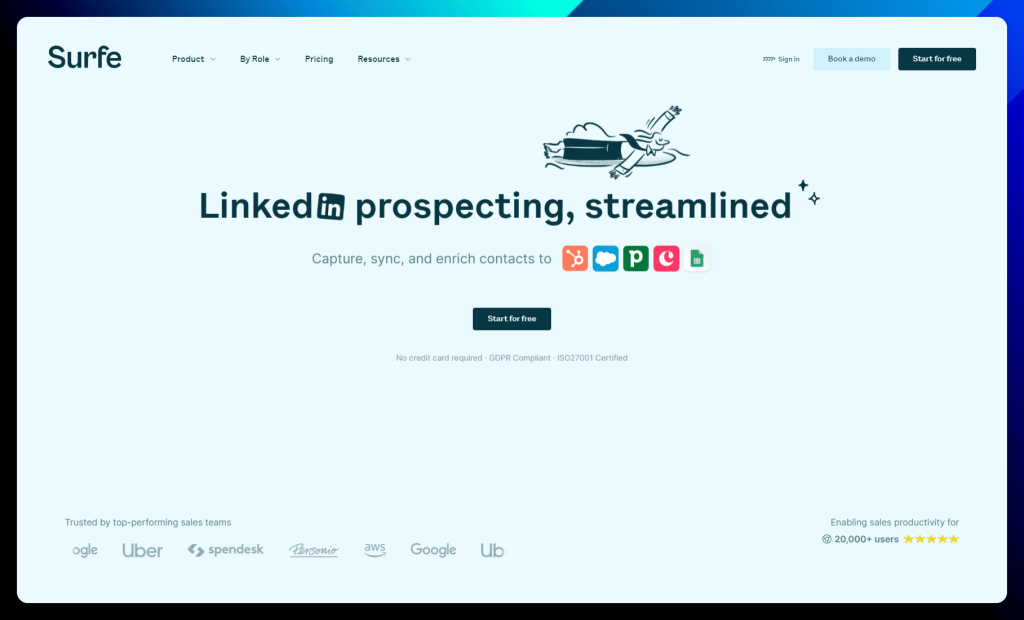
Say goodbye to the tedious back-and-forth between LinkedIn and your CRM. Surfe seamlessly integrates these two essential platforms, allowing you to manage your entire sales workflow directly within LinkedIn.
Imagine accessing contact information, enriching data, and updating your CRM with a single click – that’s the power of Surfe.
This innovative tool acts as an extension of your CRM, providing a streamlined experience that boosts productivity and eliminates manual data entry. With Surfe, you can ride the wave of effortless prospecting, freeing up valuable time to focus on building relationships and closing deals.
Surfe key features:
- One-click contacts: Add contacts to your CRM directly from LinkedIn with a single click. No more copy-pasting or switching between tabs!
- Automatic enrichment: Surfe automatically enriches contact data with verified email addresses and mobile numbers, keeping your CRM up-to-date and accurate.
- Bulk prospecting: Export and enrich entire Sales Navigator lead lists with a single click. Supercharge your prospecting efforts and fill your pipeline with ease.
- CRM data updates: Say goodbye to outdated contact information! Surfe keeps your CRM data fresh with automatic updates whenever a contact changes companies or positions.
- CRM integration: Bring your CRM data to LinkedIn! View and edit deals on a contact’s profile and track your progress without leaving the platform.
✅ Surfe pros:
- Seamless LinkedIn-CRM integration: Surfe excels at bridging the gap between LinkedIn and your CRM, allowing for effortless data enrichment, contact syncing, and activity tracking.
- Time-saving efficiency: Users appreciate how Surfe streamlines their workflow and eliminates manual data entry, freeing up time for more strategic tasks.
❌ Surfe cons:
- Occasional bugs: While generally stable, some users have reported encountering occasional bugs or glitches within the platform.
- Limited pop-up screen customization: The Surfe pop-up screen on LinkedIn can sometimes be intrusive and lacks customization options for optimal positioning.
Surfe is best for:
Sales teams of all sizes who use a CRM and want to boost their LinkedIn prospecting efficiency. Surfe is compatible with a wide range of popular CRMs, including HubSpot, Salesforce, Pipedrive, and more.
If you’re looking to streamline your workflow and maximize your LinkedIn ROI, Surfe is a go-to solution.
Surfe pricing:
Surfe offers a tiered pricing structure with options to suit various needs and budgets. Choose the plan that aligns with your prospecting goals and team size.
| Surfe pricing plans |
Description |
| Free |
→ Perfect for individuals who want a daily productivity boost.
→ Includes 20 email finder credits and 5 mobile phone finder credits per month.
→ Offers unlimited email validation and basic CRM integration.
→ Access to limited message templates and integrations with Salesloft, Outreach, and Lemlist. |
| Essential
(€29 per month) |
→ The most popular plan, ideal for boosting your team’s efficiency.
→ Includes 150 email finder credits and 50 mobile phone finder credits per month.
→ Offers unlimited email validation, full CRM integration, and access to all message templates.
→ Enables sending emails and making calls directly from LinkedIn.
→ Includes LinkedIn message reply-rate tracking and the ability to sync LinkedIn messages to your CRM.
→ Allows exporting lists of contacts (100/day). |
| Pro
(€59 per month) |
→ Designed for teams who need to prospect at scale.
→ Includes 1,000 email finder credits and 100 mobile phone finder credits per month.
→ Offers all the features of the Essential plan plus increased contact export limits (200/day). |
All plans come with a free trial, so you can experience Surfe before committing to a subscription. You can find more details about each plan on the Surfe website.
Amplemarket
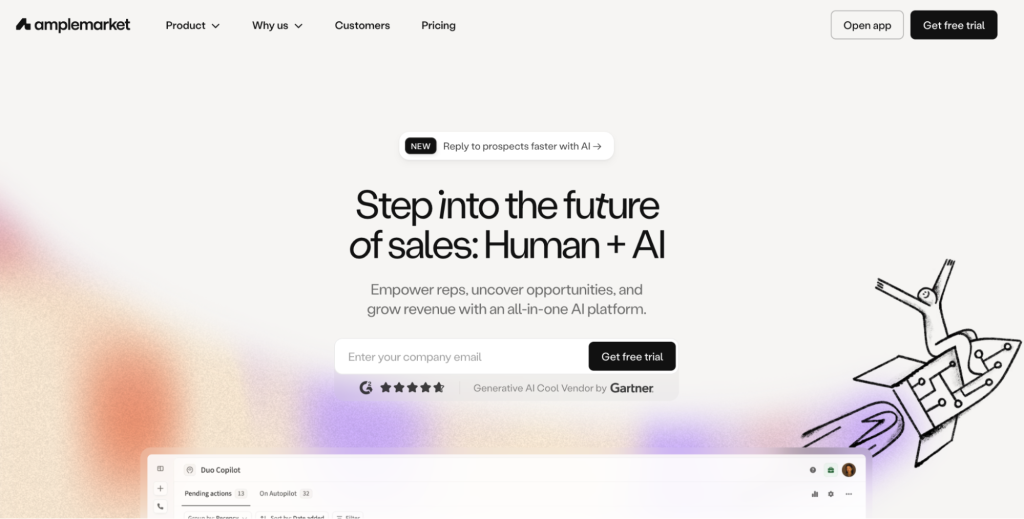
Amplemarket is an all-in-one AI sales platform designed to help teams find opportunities and grow revenue. It combines automation with human input so reps spend less time on repetitive tasks and more time selling.
From prospecting to outreach, Amplemarket brings key sales activities into one platform to simplify your workflow.
Amplemarket key features:
- All-in-one platform: Manage leads, outreach, and pipeline without switching tools.
- AI assistance: Helps reps identify opportunities faster.
- Task automation: Reduces manual work across the sales process.
- Opportunity insights: Highlights accounts worth your attention.
✅ Amplemarket pros:
- Unified workspace: Having prospecting, automation, and pipeline tools in one platform reduces tool switching and keeps teams organized. This is especially helpful for growing companies building a repeatable sales process.
- Productivity gains: Automation removes many small daily tasks, allowing reps to focus on selling activities that directly impact revenue.
- Built for scaling teams: The platform supports structured workflows, making it easier to expand your outbound strategy as your company grows.
❌Amplemarket cons:
- Feature-heavy for small teams: The wide range of capabilities can feel overwhelming for startups or teams new to outbound sales tools.
- Pricing is not transparent: Without clear pricing, it can be harder to compare Amplemarket with other Dripify competitors during early research.
- Learning curve: Teams may need onboarding time to fully understand and use the platform effectively.
Amplemarket is best for:
- Growing sales teams: Centralize prospecting and outreach while keeping workflows organized.
- B2B companies: Identify new opportunities and build a steady pipeline.
- Revenue leaders: Improve rep productivity with automation and insights.
- Scaling organizations: Support outbound growth without constantly adding new tools.
Amplemarket pricing:
| Plan |
Starting price |
What’s included |
Best for |
| Startup |
From ~$600/month (annual) |
2 users, onboarding, multichannel engagement, large contact database |
Early-stage teams |
| Growth |
Custom |
4 users, AI intent signals, dedicated onboarding |
Growing sales orgs |
| Elite |
Custom |
Higher limits, advanced personalization, premium support |
Enterprise teams |
Valley
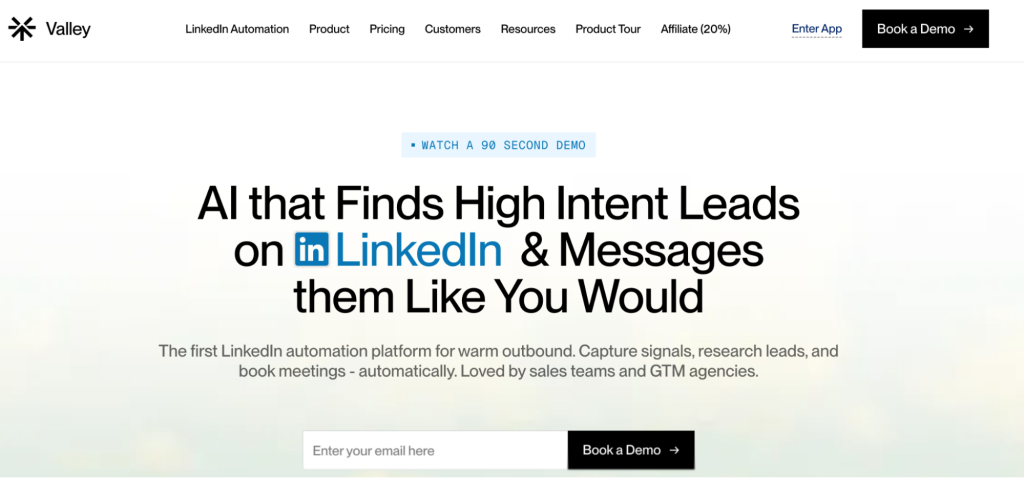
Valley is a LinkedIn automation platform built for warm outbound. It focuses on finding prospects who already show buying intent, helping you start conversations with people more likely to respond.
The platform captures signals, researches leads, and supports meeting booking so your outreach feels timely instead of random.
Valley key features:
- Intent signals: Identifies leads already showing interest.
- Automated research: Gathers useful prospect insights for smarter outreach.
- Meeting booking: Helps move leads from message to calendar faster.
- LinkedIn automation: Simplifies daily prospecting tasks.
✅ Valley pros:
- Signal-based prospecting: Instead of cold outreach, Valley helps teams prioritize leads that demonstrate interest, which can improve reply rates and overall campaign efficiency.
- Strong time savings: Automating research and early outreach steps reduces the workload on reps and allows them to focus on qualified conversations.
- Modern outbound approach: The platform aligns with current sales trends that emphasize relevance over volume.
❌Valley cons:
- LinkedIn-focused: Teams that rely heavily on email or other channels may need additional tools.
- Shorter track record: As a newer option among alternatives Dripify, some companies may prefer platforms with longer market presence.
- May require signal strategy: Teams unfamiliar with intent data might need time to adjust their workflow.
Valley is best for:
- GTM teams: Prioritize warm prospects and start conversations with buyers already showing intent.
- Sales reps: Spend less time researching leads and more time selling.
- LinkedIn-focused teams: Turn signals into meetings with less manual effort.
- Outbound agencies: Run targeted campaigns for clients using intent data.
Valley pricing:
| Plan |
Starting price |
What’s included |
Best for |
| Valley Base |
$395/month |
Self-serve setup, automation tools |
Founders and solo operators |
| Valley Growth |
$995/month |
Sales support, automation, 10 meetings in 90 days guarantee |
Small sales teams |
| Valley Scale |
Custom |
More seats, expanded support |
GTM and lead gen teams |
Aimfox
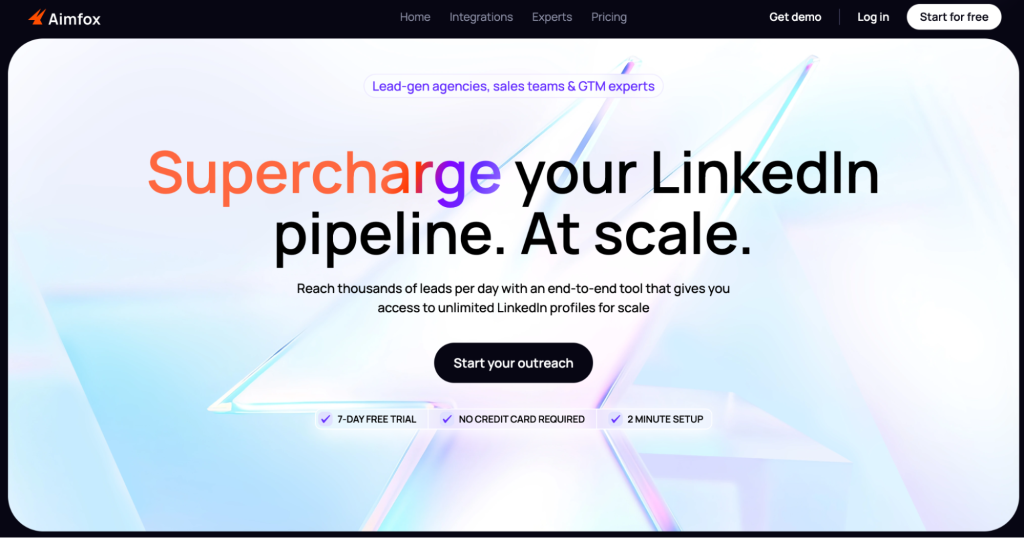
Aimfox is a LinkedIn outreach tool built for scale. It helps you reach thousands of prospects per day while managing your pipeline from one place.
With access to a large pool of LinkedIn profiles, Aimfox supports teams that need consistent lead flow to fuel growth.
Aimfox key features:
- High-volume outreach: Connect with large audiences daily.
- End-to-end pipeline: Supports prospecting, messaging, and follow-ups.
- Expanded profile access: Unlock more profiles to grow your reach.
- Built for scale: Designed for teams running frequent campaigns.
✅ Aimfox pros:
- Excellent for rapid growth: Aimfox supports large outreach campaigns, making it a strong choice for companies prioritizing pipeline volume.
- Automation-friendly workflow: By reducing manual steps, the platform helps teams stay consistent with prospecting.
- Good fit for agencies: Agencies managing multiple campaigns can benefit from its scale-oriented design.
❌Aimfox cons:
- Quality depends on targeting: High-volume outreach requires careful segmentation to avoid low engagement.
- Potentially excessive for small teams: Companies with limited outreach needs may not use the platform to its full capacity.
- LinkedIn reliance: Teams wanting broader multichannel strategies might need additional tools.
Aimfox is best for:
- High-growth sales teams: Reach large audiences and keep pipeline volume strong.
- Lead generation agencies: Manage outreach campaigns at scale for multiple clients.
- Outbound-heavy companies: Maintain consistent prospecting without increasing manual work.
- Teams focused on LinkedIn: Expand reach and connect with more decision-makers.
Aimfox pricing:
| Plan |
Starting price |
What’s included |
Best for |
| Outreach Seat |
$49/month per seat |
Campaign launching, unified inbox, integrations |
Individuals and small teams |
| Outreach Avatar |
$129/month per profile |
Rent and customize profiles to scale outreach |
Teams pushing higher volume |
| Agency Plan |
From $499/month (20 seats) |
Multi-seat access, scalable campaigns |
Agencies |
Lemlist
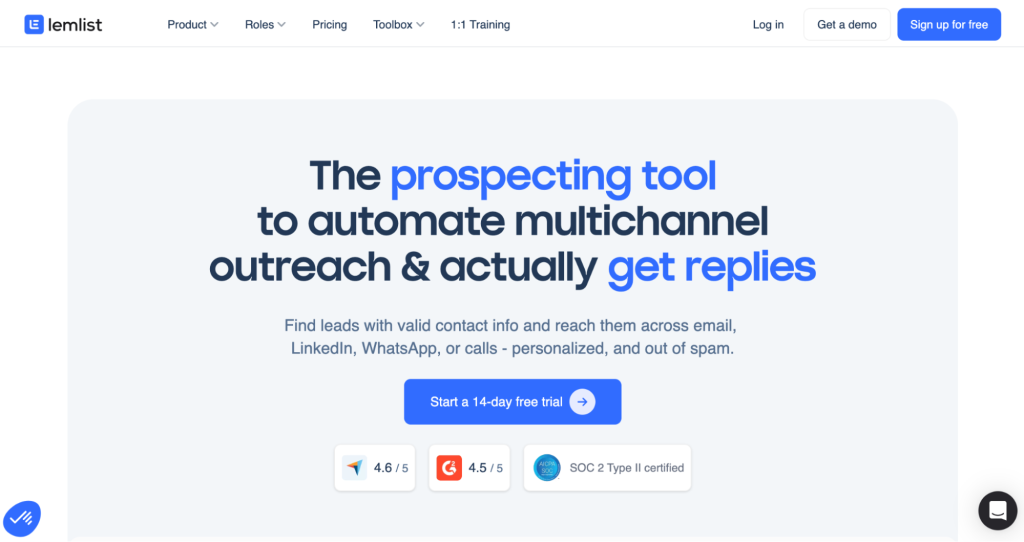
Lemlist is a prospecting tool built to automate multichannel outreach and help you get more replies. It allows you to find leads with verified contact details and reach them through email, LinkedIn, calls, or WhatsApp.
The platform focuses on personalization and deliverability so your messages land in inboxes instead of spam folders, making it a strong choice among Dripify competitors.
Lemlist key features:
- Lead database: Discover prospects with valid contact information.
- Multichannel outreach: Engage leads across several platforms.
- Personalization tools: Customize messages to stand out.
- Deliverability support: Designed to improve inbox placement.
✅ Lemlist pros:
- Flexible outreach strategy: Supporting multiple channels gives teams more ways to connect with prospects and increases the chances of getting replies.
- Strong personalization capabilities: Custom messages help campaigns feel less automated and more relevant to each lead.
- Deliverability focus: Built-in tools help protect sender reputation and improve inbox placement.
❌Lemlist cons:
- Feature depth can be challenging: New users may need time to learn advanced options and campaign settings.
- Costs can scale quickly: Adding features or increasing usage may raise the total price over time.
- Requires thoughtful campaigns: Teams need a clear messaging strategy to get the most value.
Lemlist is best for:
- Outbound sales teams: Run multichannel campaigns that drive replies.
- Agencies: Launch and manage personalized outreach for clients.
- SMBs: Build structured prospecting without overly complex tools.
- Teams focused on deliverability: Improve inbox placement and protect sender reputation.
Lemlist pricing:
| Plan |
Starting price |
What’s included |
Best for |
| Email Pro |
~$55/user/month |
Email automation, leads database, AI personalization, CRM integrations |
Email-first outbound |
| Multichannel Expert |
~$79/user/month |
LinkedIn automation, calling, WhatsApp add-on, unified inbox |
Multichannel teams |
| Enterprise |
Custom |
Advanced security, custom roles, dedicated manager |
Large organizations |
La Growth Machine
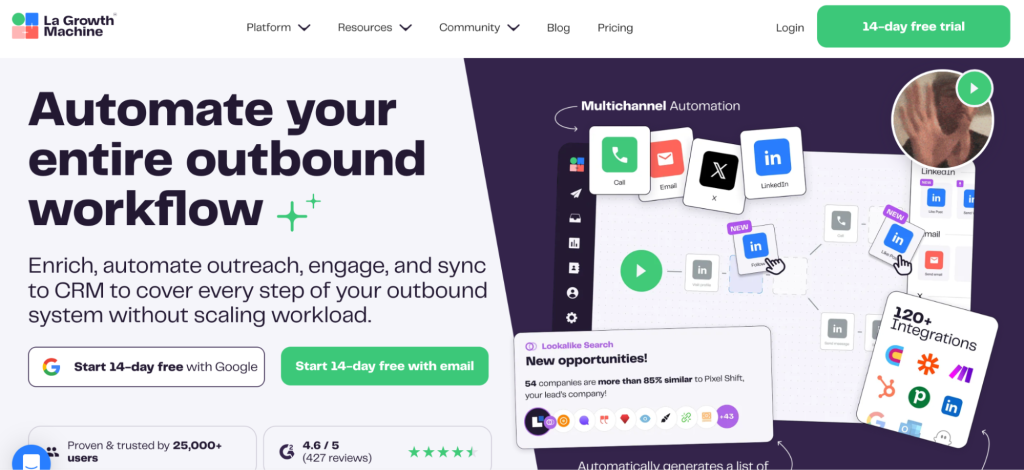
La Growth Machine is designed to automate your entire outbound workflow. It helps you enrich leads, run outreach campaigns, engage prospects, and sync everything to your CRM without increasing your workload.
By covering each step of the process, the platform keeps your pipeline organized as you scale.
La Growth Machine key features:
- Full workflow automation: Manages outbound from prospecting to follow-up.
- Lead enrichment: Adds useful data to your contacts.
- CRM sync: Automatically updates your pipeline.
- Engagement tools: Supports consistent communication with prospects.
✅ La Growth Machine pros:
- Complete outbound coverage: The platform supports every major stage of the sales process, helping teams avoid gaps in their workflow.
- Scalable structure: As outreach grows, automation helps maintain organization without adding operational strain.
- Process consistency: Standardized workflows make it easier for teams to repeat what works.
❌La Growth Machine cons:
- Initial setup effort: Teams may need time to map their process before launching campaigns.
- More features than some teams need: Smaller companies might find the platform overly robust.
- Pricing not transparent: Limited public pricing can slow down early comparisons.
La Growth Machine is best for:
- Structured sales teams: Automate each step of outbound while keeping processes consistent.
- Scaling companies: Handle more outreach without increasing workload while evaluating reliable Dripify alternatives.
- Revenue operations teams: Sync prospecting data directly into the CRM.
- B2B organizations: Build a repeatable system for lead generation and engagement.
La Growth Machine pricing:
| Plan |
Starting price |
What’s included |
Best for |
| Basic |
€50/month per identity |
LinkedIn + email outreach, monthly enrichment |
Founders and small teams |
| Pro |
€100/month per identity |
Multichannel automation, higher lead limits |
Scaling teams |
| Ultimate |
€150/month per identity |
Unlimited campaigns, more sending accounts |
Advanced outbound setups |
| Custom |
Custom |
Flexible limits and support |
Agencies and fast-growing companies |
Choosing the right outreach tool and the right Dripify alternative for you can make a big difference in your sales success.
If you’re looking for a Dripify alternative that offers a wide range of features, excellent customer support, and a user-friendly interface, then Reply.io is a great, if not the best, option.
More replies, less work – Reply.io’s LinkedIn automation makes it easy to reach out, follow up, and engage across channels. It’s like outreach magic!
So, give it a shot 🚀