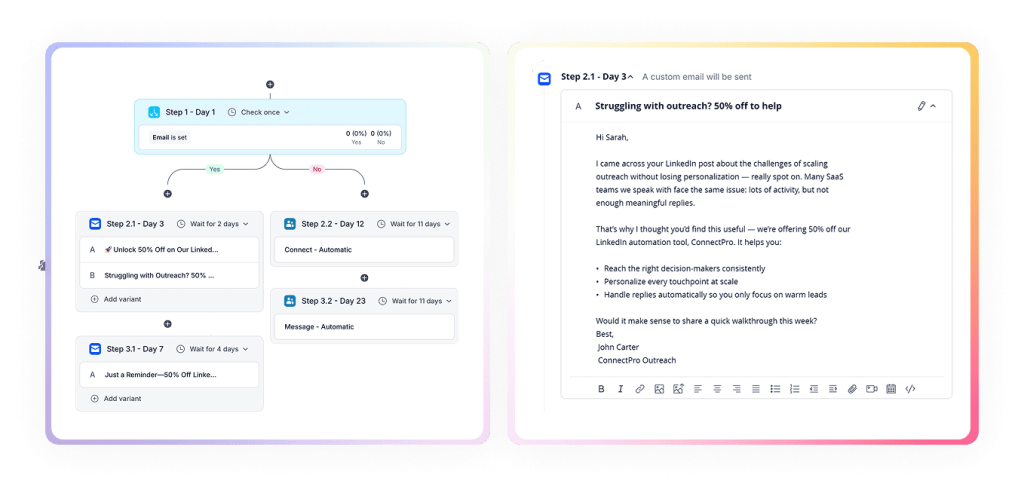
2. Instantly
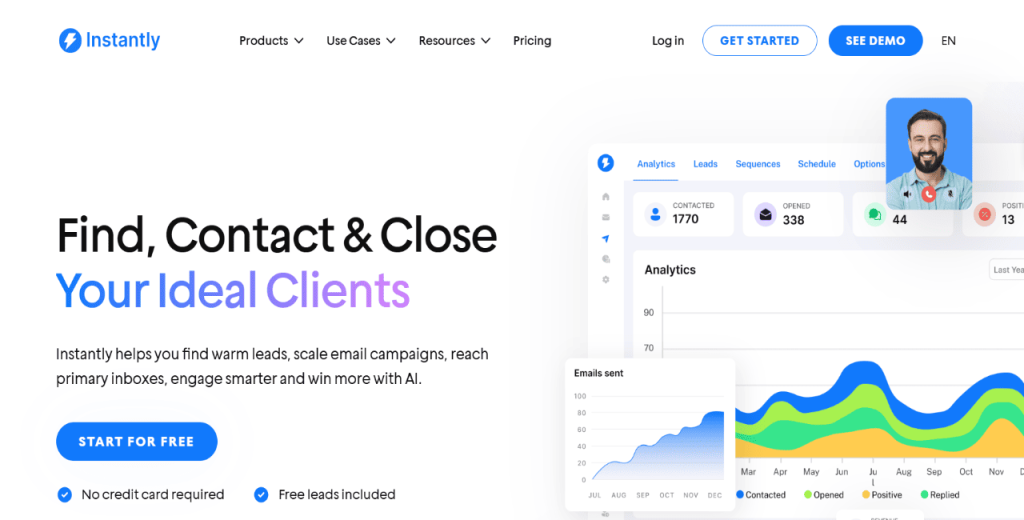
Instantly is built for teams that need to run high-volume cold email without turning one mailbox into a deliverability liability. The core idea is simple: connect multiple inboxes and distribute volume across them, while the platform handles warm-up and other deliverability guardrails.
It’s popular with agencies and outbound-heavy teams because it’s designed around scaling fast, keeping inbox placement stable, and managing lots of sending accounts from one place.
Key features:
- Multiple inboxes under one roof, so you scale horizontally
- Built-in warm-up to avoid wrecking a fresh domain
- Deliverability visibility (placement, bounces, general inbox health)
- Sequencing and follow-ups, plus basic reply handling
- CRM/workflow integrations so the data doesn’t die in a CSV
Verdict
If you’re doing high-volume outbound and you want a simple way to add inboxes and keep things stable, Instantly is a solid pick.
3. Smartlead
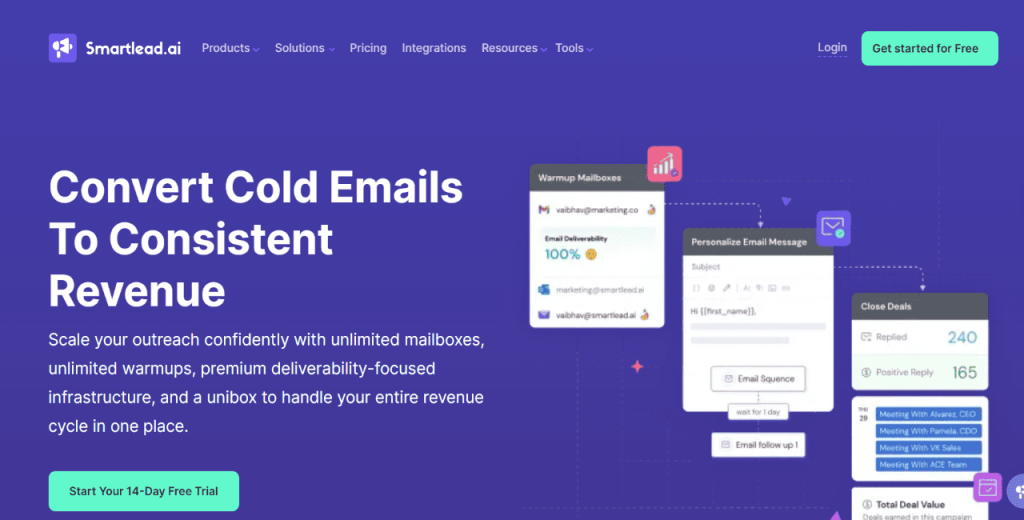
Smartlead is built for the execution side of cold email, which means connecting a bunch of inboxes, warming them up, spreading volume safely across domains, and managing everything from one place. It’s the infrastructure layer you use once you already know who you want to reach.
It’s a good fit when the main constraint is deliverability and operational control, not lead sourcing. Smartlead also leans into inbox health and centralized reply management, which helps when multiple reps run campaigns at the same time and you need visibility across domains.
Key features:
- Unlimited mailbox connections for volume distribution
- Warm-up automation to protect reputation
- Central inbox / reply management view
- Deliverability and domain/inbox health monitoring
- Sequencing with follow-ups and basic performance analytics
Verdict
Smartlead is best for B2B outbound teams that want scalable cold email infrastructure with strong monitoring and clean day-to-day execution.
4. Apollo.io
Apollo is more than an email sending tool. It’s a combined prospecting and outreach platform, which means list building and sequencing happen in the same workflow. You can search a large B2B database, enrich records, and launch outbound sequences without exporting everything into separate systems first.
That makes Apollo practical for teams that want one place to source contacts, build targeted lists, test messaging, and track engagement.
The nuance is that Apollo isn’t positioned around mailbox-based unlimited scaling the way more dedicated outreach platforms like Reply.io are.
Key features:
- Built-in B2B contact and company database
- Lead enrichment and list building inside the platform
- Sequencing with testing and performance tracking
- CRM integrations (including Salesforce/HubSpot)
- AI assistance for drafting and iterating outreach copy
Verdict
Apollo is best for teams that want prospecting plus sequencing in one system, and prefer a unified workflow over a pure inbox-scaling tool.
5. Amazon SES (with Sendy or MailWizz)
Amazon SES is email infrastructure, not an outreach platform. It’s what you use when you want to run sending on your own terms, with your own tooling layered on top. In practice, teams pair SES with a self-hosted tool like Sendy or MailWizz to manage lists, templates, and campaigns, while SES handles delivery.
This setup can scale well and keep costs low per email, but it comes with operational overhead: DNS configuration, manual authentication (SPF/DKIM/DMARC), monitoring, bounce/complaint handling, and reputation management. If you have technical resources, SES can be a powerful foundation. But if you don’t, it’s easy to misconfigure and end up fighting deliverability.
Key features:
- Scalable email sending infrastructure
- Quotas/rate controls tied to reputation and account state
- Full control over domain authentication and sending setup
- Works well with self-hosted campaign tools (Sendy/MailWizz)
- Flexible integration paths via APIs
Verdict
Amazon SES is best for technical teams that want maximum control over email delivery and are comfortable owning the full infrastructure and deliverability workflow.
6. GMass (via Gmail SMTP)
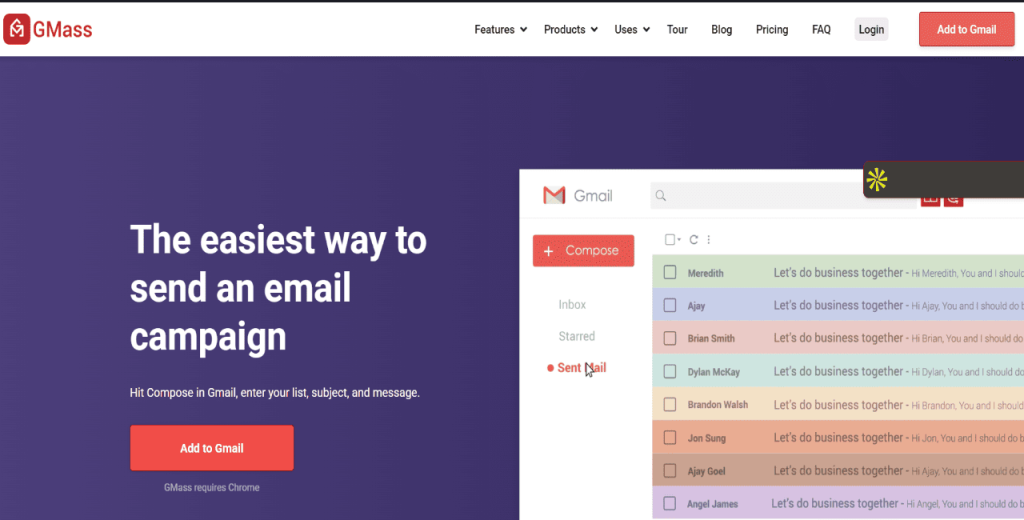
GMass lets you run cold email campaigns directly from Gmail. You run campaigns straight from your inbox, use a spreadsheet-style mail merge to personalize at scale, and set follow-ups that stop when someone replies.
It’s lightweight, quick to set up, and a solid way to test outbound before you build a bigger sending setup. You’ll still be operating within Gmail/Google Workspace daily limits, so it’s not an enterprise-scale volume play.
Key features:
- Runs directly through Gmail, so you’re not switching platforms to send campaigns
- Mail merge from Google Sheets / spreadsheets for quick personalization
- Follow-ups that stop when someone replies
- Basic tracking to see opens and clicks
- Simple setup that works well for small teams testing outbound
Verdict
GMass is a good fit when you want to run outbound from Gmail with light automation and mail merge, and you’re fine staying within Google’s normal daily sending limits.
7. Mailmeteor
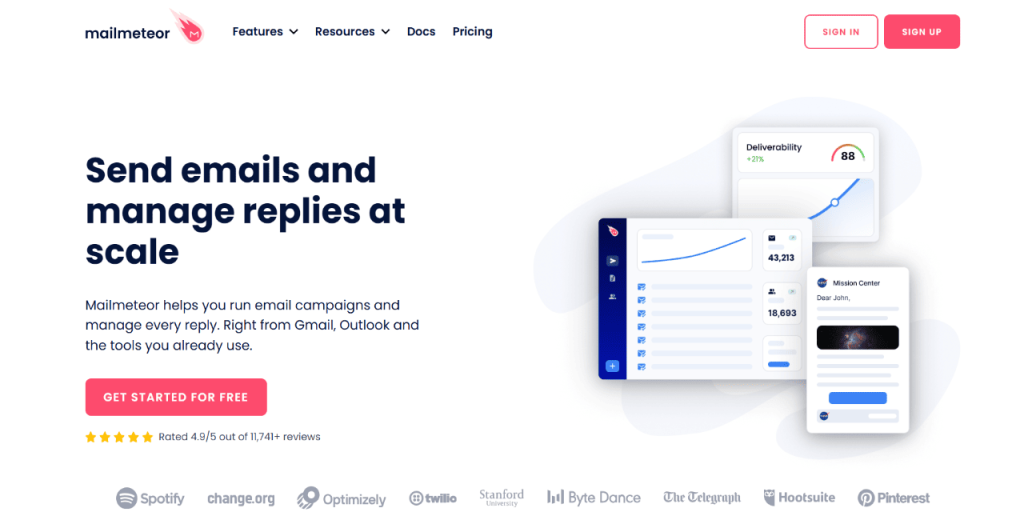
Mailmeteor is another Gmail-first tool focused on mail merge, personalization, and simple campaign sending. It’s designed to be easy: connect your Google account, upload or sync a list (often from Sheets), and launch outreach with basic tracking and follow-ups.
Like GMass, it doesn’t remove Gmail’s per-account sending thresholds, so it works best for low-to-moderate volume rather than large-scale outbound infrastructure. It fits early-stage teams that want a lightweight way to run personalized campaigns without building a full outbound stack, while keeping everything inside Google Workspace.
Key features:
- Gmail + Google Sheets mail merge workflow
- Personalization via spreadsheet fields
- Scheduling and follow-up support
- Basic performance tracking
- Fast setup with minimal ops overhead
Verdict
Mailmeteor is best for small teams running personalized outreach from Gmail, when you want a simple setup and don’t need multi-inbox scale.
How to choose the right unlimited email sending software for your B2B team?
When choosing a tool to send unlimited emails per day, you want to ensure it’s worth your time and money.
After all, the platform you pick ultimately determines whether you can easily scale your outbound without issues.
To choose a good platform, evaluate it against the checklist below.
- Deliverability features: Look for automated warm-up, inbox placement testing, blacklist and domain health monitoring, plus SPF, DKIM, and DMARC verification with real-time alerts.
- Predictable, scalable pricing: Choose a platform with flat-fee unlimited mailbox plans to prevent expensive cost increases as your email volume grows.
- Analytics and reply-level attribution: You want a tool that provides detailed reporting that connects your campaigns to replies, meetings, and revenue outcomes.
- AI capabilities with oversight: Pick a solution that generates AI-personalized messages and classifies replies, ideally with multichannel outreach sequences.
- CRM and operations integration: Choose a tool with two-way CRM sync, shared inbox visibility, and admin controls to prevent data silos and sending errors.
- Security and compliance: Look for DPA compliance, opt-out management, audit trails, and GDPR/CAN-SPAM adherence to reduce legal risk.
- Platform scalability and roadmap: Check the tool’s ability to let you add inboxes, users, and features as your outreach expands.
Pro tip: After narrowing your shortlist, pilot at least two platforms to send unlimited emails per day. Free trials allow you to compare usability, support responsiveness, deliverability results, and total cost of ownership before committing financially.