GetProspect
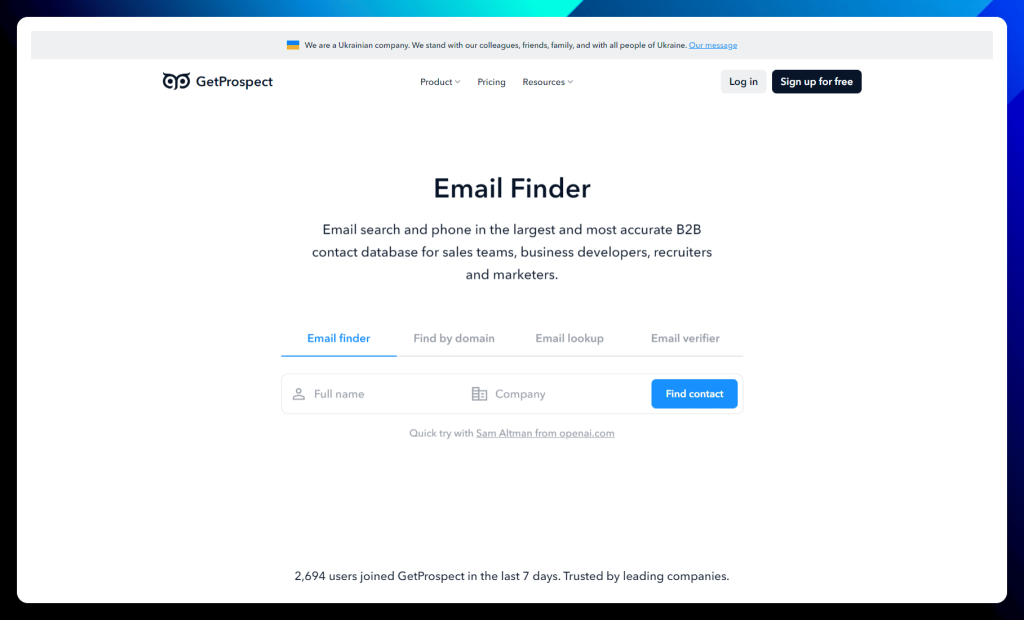
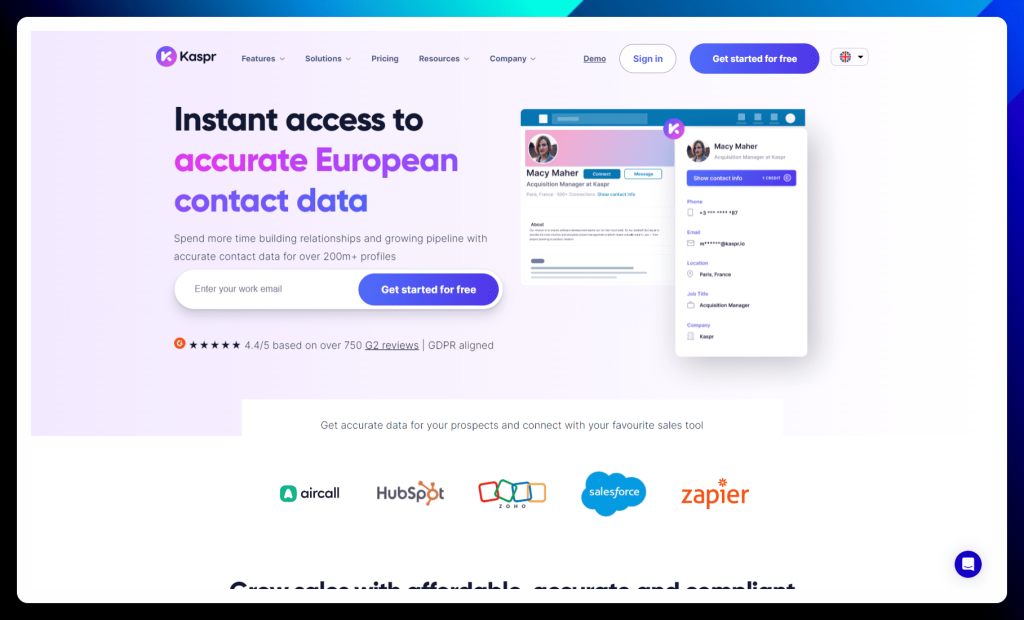
GetProspect puts the power of accurate B2B contact data at your fingertips. With a massive database of over 200 million professionals, this email finder and enrichment tool empowers sales teams, marketers, and recruiters to connect with the right prospects and drive conversions.
What sets GetProspect apart is its commitment to data accuracy and deliverability. Their sophisticated algorithms and real-time verification ensure that you’re reaching out to valid contacts, minimizing bounce rates, and maximizing the impact of your outreach campaigns.
Combined with a user-friendly Chrome extension and seamless integrations, GetProspect streamlines your lead generation efforts and fuels your sales pipeline with high-quality leads.
GetProspect key features:
- Email finder: Uncover those hidden email addresses with GetProspect’s powerful email finder. Search by name, company, domain, or LinkedIn profile and get accurate results in seconds. Plus, with the handy Chrome extension, you can find emails on the fly wherever you browse.
- B2B database search: Dive into GetProspect’s extensive B2B database and filter by name, job title, industry, location, and more. Build laser-focused lead lists and organize them into folders for easy management. With regularly verified data, you can trust that you connect with the right people.
- Contact enrichment: Go beyond basic contact information and enrich your leads with over 40 data attributes, including location, industry, technologies used, and more. Get a complete picture of your prospects and personalize your outreach for maximum impact.
- Cold email software: Launch personalized cold email campaigns with GetProspect’s built-in email software. Integrate with your existing email provider, leverage AI-powered personalization, and track your results with detailed analytics.
- LinkedIn Chrome extension: Supercharge your LinkedIn lead generation with GetProspect’s Chrome extension. Export searches and lead lists with a single click, enrich your data with email addresses and phone numbers and clean up your data automatically.
✅ GetProspect pros:
- Ease of Use and Integration: GetProspect is praised for its user-friendly interface and seamless integration with LinkedIn, making it simple to find and extract contact information.
- Effective Lead Generation: Many users highlight GetProspect’s effectiveness in helping them generate leads and grow their business, particularly through its accurate email-finding capabilities.
❌ GetProspect cons:
- Occasional Data Inaccuracy: While generally accurate, some users have reported instances of outdated or incorrect contact information, highlighting the need for occasional verification.
- Limited Phone Number Credits: The limited number of phone number credits in some plans can be a constraint for users who rely heavily on phone outreach.
GetProspect is best for:
- Sales teams: If you’re looking for a comprehensive solution for lead generation, email finding, data enrichment, and cold email outreach, GetProspect has everything you need to succeed.
- Marketers: Build targeted lead lists, enrich your data, and launch personalized campaigns with GetProspect’s powerful features.
- Recruiters: Find and connect with top talent using verified email addresses and phone numbers. GetProspect helps you streamline your recruitment process and find your next superstar hire.
GetProspect pricing:
GetProspect offers a range of flexible plans designed to fit the needs of individuals, growing businesses, and large teams. You can save 30% by choosing an annual subscription.
| GetProspect pricing plans |
Description |
| Free |
→ Perfect for individuals who want to test the waters.
→ Includes 50 valid emails monthly and 100 verification credits. |
| Starter
($29/month) |
→ A great starting point for individuals and small teams.
→ Includes 1,000 valid emails monthly, 2,000 verification credits, and 5 phone number credits. |
| Growth 5k
($49/month) |
→ The most popular plan, ideal for growing businesses.
→ Includes 5,000 valid emails monthly, 10,000 verification credits, and 5 phone number credits.
→ Offers advanced features like unlimited email accounts, attachments in emails, and native integrations. |
All plans include core features like automated follow-ups, email reply tracking, a LinkedIn extension, and API access. You can also purchase additional phone number credits as needed.
Prospeo
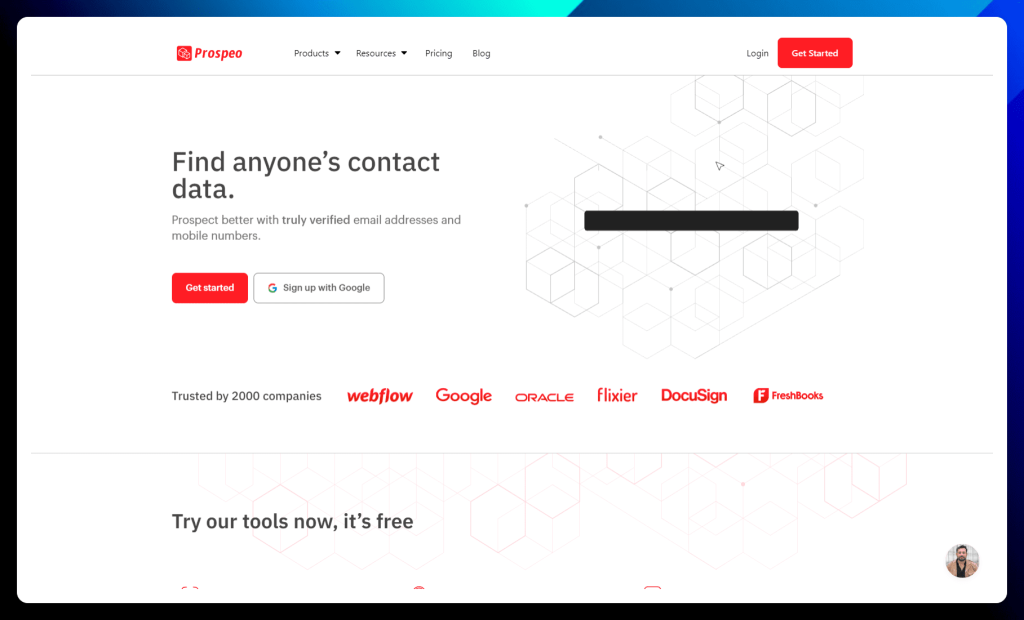
Prospeo goes beyond basic email finding to provide truly verified contact data, ensuring your outreach efforts are targeted and effective. With an impressive 98% deliverability guarantee, Prospeo empowers sales teams to connect with confidence, knowing their messages will reach the right inboxes.
This platform stands out with its unique combination of accuracy, user-friendly tools, and comprehensive data points. From a powerful Chrome extension that uncovers emails and mobile numbers on LinkedIn to bulk processing capabilities and a robust API, Prospeo streamlines your lead generation workflow and fuels your sales pipeline with high-quality data.
Prospeo key features:
- Email finding options: Prospeo offers a variety of ways to find email addresses, including an email finder, domain search, and even a unique Sales Navigator export feature. No matter how you prefer to prospect, Prospeo has you covered.
- Mobile phone number finder: Go beyond email and connect with prospects on their mobile phones. Prospeo’s Mobile Finder helps you retrieve phone numbers directly from LinkedIn profile URLs.
- Email verification: Ensure your emails reach the inbox with Prospeo’s built-in email verifier. Maintain a stellar sender reputation and avoid bounces that can harm your email campaigns.
- Chrome extension: Find verified email addresses and mobile numbers from anywhere on the web with Prospeo’s handy Chrome extension. Extract contact information from LinkedIn profiles, company pages, and even Google Search results.
- Sales Navigator export: Export Sales Navigator lists with up to 45 data points, including verified emails and mobile numbers, directly to Excel. This powerful feature streamlines your lead generation and gives you valuable insights into your prospects.
✅ Prospeo pros:
- Ease of use and time-saving: Prospeo is widely praised for its user-friendly interface and efficient tools, making it easy to find contact information and saving users significant time compared to manual methods.
- High accuracy and deliverability: Users consistently highlight the accuracy of Prospeo’s data, particularly for email addresses, leading to improved deliverability and successful outreach campaigns.
❌ Prospeo cons:
- Occasional bugs and performance issues: Some users have reported encountering occasional bugs or experiencing slow performance within the platform, particularly when dealing with large datasets or complex customizations.
- Limited customization options: While Prospeo offers customization features, some users desire more flexibility and control, particularly regarding template design and layout options.
Prospeo is best for:
- Sales teams: Find verified contact information, including email addresses and mobile numbers, with Prospeo’s reliable and efficient platform. The high deliverability rate and Sales Navigator integration make it a valuable asset for any sales team.
- Recruiters: Discover contact details for potential candidates and streamline your recruitment process. Prospeo helps you connect with top talent and build your dream team.
- Sales Navigator users: If LinkedIn Sales Navigator is your go-to prospecting tool, Prospeo’s unique Sales Navigator export feature is a game-changer. Unlock valuable data and enrich your lead lists with ease.
Prospeo pricing:
Prospeo offers flexible pricing plans to suit various needs and budgets, from individuals and startups to growing businesses and established companies. You can choose between monthly and yearly billing, with a 30% discount for annual subscriptions.
| Prospeo pricing plans |
Descriptions |
| Free |
→ A free plan to explore Prospeo and see if it’s the right fit for you.
→ Includes 75 credits per month for using any of their tools. |
| Starter
($39/month) |
→ Ideal for individuals and small businesses starting with Prospeo.
→ Includes 1,000 credits per month. |
| Growth
($99/month) |
→ Designed for growing your sales and expanding your outreach efforts.
→ Includes 5,000 credits per month. |
| Pro
($199/month) |
→ Perfect for generating serious returns and scaling your lead generation.
→ Includes 20,000 credits per month. |
| Business
($369/month) |
→ Tailored for established companies with high-volume data needs.
→ Includes 50,000 credits per month. |
All plans include access to all of Prospeo’s tools, including the Email Finder, Mobile Finder, Sales Navigator Export, Domain Search, Email Verifier, Chrome extension, API access, bulk processing, and team features. You can find more details about each plan on the Prospeo website.
Trigify
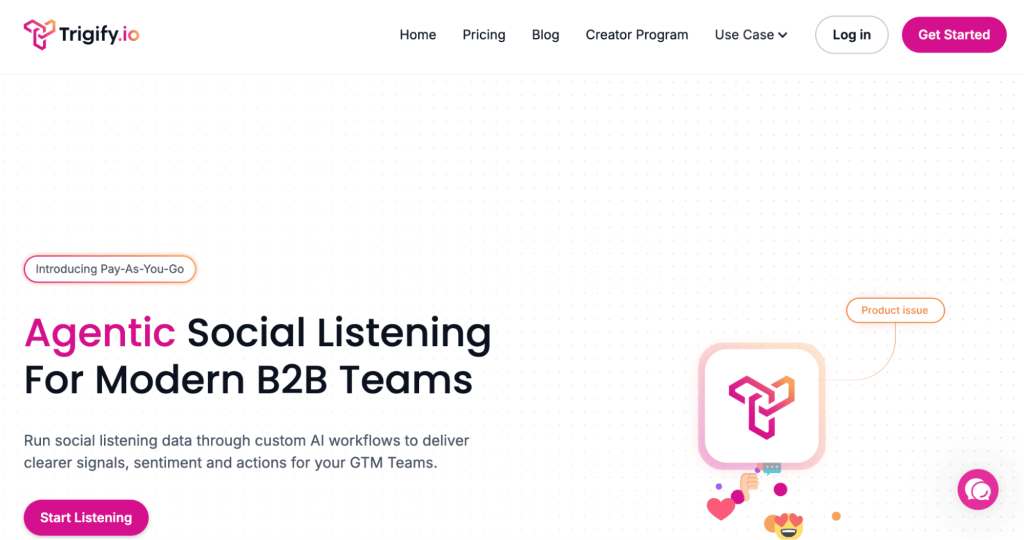
Trigify helps B2B teams track what people say online and turn those signals into sales opportunities, standing out among PhantomBuster alternatives focused on intent-based prospecting rather than raw automation.
It uses AI workflows to analyze conversations, sentiment, and engagement so your team knows who to contact and when. This makes outreach more relevant and less spammy.
Trigify is especially useful for teams that rely on social data to guide their go-to-market strategy.
Trigify key features:
- Social intent tracking: Monitor online conversations to identify people actively discussing problems your product can solve.
- AI-powered signal detection: Automatically analyze engagement, sentiment, and trends to highlight prospects more likely to convert.
- Workflow automation: Turn buying signals into ready-to-use actions so your team knows exactly when and how to reach out.
- Real-time alerts: Get notified when relevant topics or keywords spike, helping you contact prospects at the right moment.
- Team collaboration tools: Share insights across sales and marketing so everyone works from the same data.
- Custom targeting: Adjust filters to focus on specific industries, topics, or behaviors that match your go-to-market strategy.
✅ Trigify pros:
- Intent-driven prospecting: Trigify helps teams identify buyers based on real behavior and conversations, allowing for smarter outreach instead of relying on cold lists.
- Transforms data into action: Rather than overwhelming users with raw signals, the platform highlights opportunities your team can act on immediately.
- Improves outreach timing: Contacting prospects when they show interest often leads to higher engagement and better conversion rates.
- Supports team collaboration: Shared insights help marketing and sales stay aligned on targeting and messaging.
❌ Trigify cons:
- Not a complete outbound solution: You’ll still need a separate platform to execute email or LinkedIn campaigns.
- Initial setup required: Teams must configure workflows and define what signals matter most before seeing full value.
- Dependent on available signals: If your audience isn’t very active online, the number of actionable insights may be limited.
- Can add another tool to your stack: Businesses trying to simplify their tech stack may hesitate to adopt another platform.
Trigify is best for:
- GTM teams: Use real buyer signals to guide outreach and focus on prospects who are more likely to convert.
- Marketing teams: Monitor online conversations and identify trends that can shape smarter campaigns.
- Sales teams: Prioritize warmer leads and reach out at the right moment to boost engagement.
Trigify pricing
Trigify provides flexible pricing based on usage, so you can start small and scale as your data and workflow needs grow.
| Trigify pricing plans |
Description |
| Pay As You Go ($0.012 per credit) |
→ Flexible option for low usage.→ Billed monthly. |
| Essential ($149/month) |
→ Includes unlimited listening and workflows.→ Comes with 15k credits. |
| Growth ($270/month) |
→ Adds 40k credits for higher usage. |
| Scale ($549/month) |
→ Includes 100k credits for large teams. |
Choose between pay-as-you-go or monthly plans depending on how often you track buying signals.
Apify
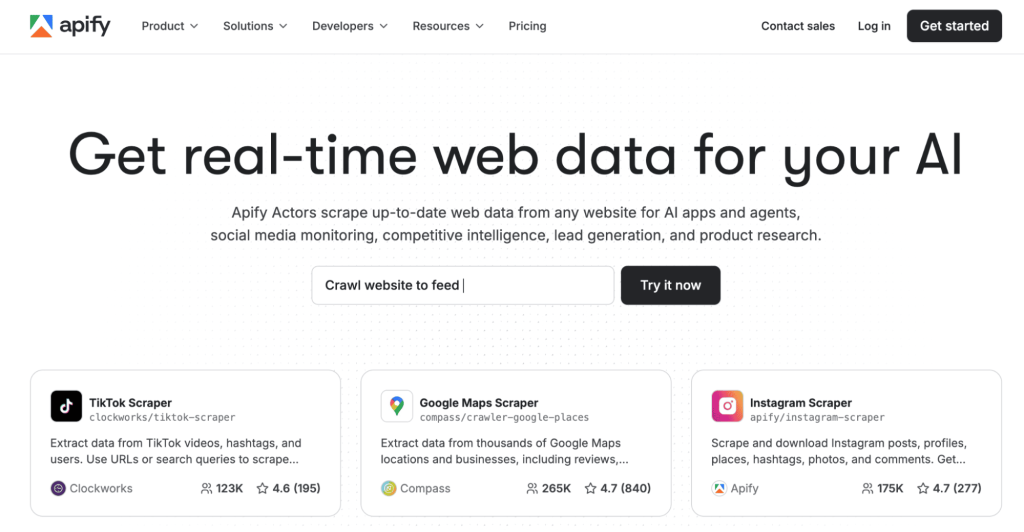
Apify is a web scraping platform that collects real-time data from almost any website and is often considered one of the more flexible free alternatives to PhantomBuster for teams focused on large-scale data extraction.
It runs small programs called Actors that automate data extraction, so you don’t need to scrape sites manually. The platform is flexible enough for both simple and advanced use cases.
Apify stands out among tools that focus heavily on data collection rather than outreach.
Apify key features:
- Universal web scraping: Extract data from almost any public website, including directories, ecommerce stores, and social platforms.
- Actors marketplace: Choose from ready-made scraping tools or build custom ones to match your exact data needs.
- Automation-ready workflows: Schedule scraping tasks to run automatically so your datasets stay updated without manual work.
- API integrations: Send collected data directly into CRMs, spreadsheets, or internal tools for faster decision-making.
- Scalable infrastructure: Handle anything from small research tasks to large data projects without worrying about performance.
- Proxy and anti-blocking support: Improve success rates when collecting data from sites that try to limit automated access.
✅ Apify pros:
- Extremely versatile: Apify can collect data from nearly any public website, supporting use cases from lead generation to market intelligence.
- Built for scale: The platform handles both small scraping jobs and enterprise-level data extraction without major infrastructure changes.
- Automation-ready: Strong API support makes it easy to plug collected data into CRMs, analytics tools, or AI workflows.
- Active marketplace: Ready-made scraping tools help teams launch faster without building everything from scratch.
❌ Apify cons:
- Technical barrier for advanced tasks: While basic scrapers are accessible, more complex projects often require developer support.
- Usage-based pricing: Costs can rise quickly for teams running large or frequent scraping jobs.
- No built-in outreach: Apify focuses strictly on data collection, so you’ll need another tool to contact prospects.
- Website restrictions: Some platforms actively block scraping, which may require extra configuration.
Apify is best for:
- Developers: Build reliable data pipelines and automate web data collection for internal tools or workflows.
- Growth teams: Gather large datasets for lead generation, competitor tracking, and
- AI-focused companies: Feed models and automation systems with fresh, structured data from across the web.
Apify pricing
Apify uses a credit-based pricing model that works for both small projects and large-scale data extraction.
| Apify pricing plans |
Description |
| Free ($0/month) |
→ Includes $5 usage credit.→ Community support. |
| Starter ($29/month + usage) |
→ $29 platform credit.→ Chat support and store discounts. |
| Scale ($199/month + usage) |
→ $199 credit.→ Priority chat support. |
| Business ($999/month + usage) |
→ $999 credit.→ Built for heavy workloads. |
You can begin with a free plan and upgrade as your scraping and automation needs increase.
Botdog
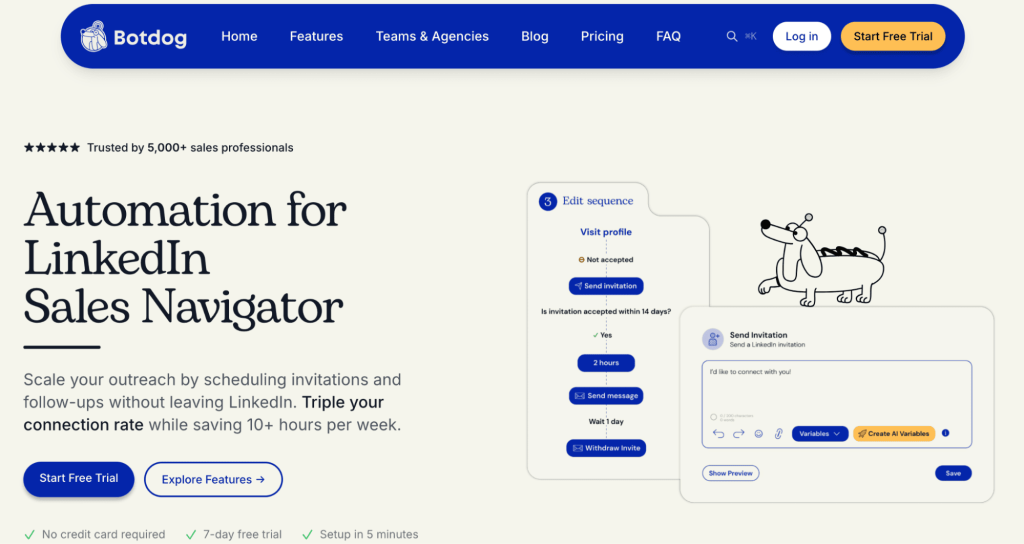
Botdog automates LinkedIn outreach so you can grow your network faster without spending hours sending invites, positioning it as a lightweight option among PhantomBuster alternatives for LinkedIn.
The tool focuses on improving acceptance rates while reducing manual work. For teams that rely heavily on LinkedIn, Botdog can simplify daily outreach tasks.
Botdog key features:
- LinkedIn invite automation: Send connection requests automatically while controlling daily activity to keep accounts safer.
- Smart follow-ups: Create message sequences that trigger after a prospect accepts your request, helping maintain momentum.
- Campaign scheduling: Plan outreach in advance and let Botdog handle execution while you focus on conversations.
- Sales Navigator compatibility: Use advanced LinkedIn search filters and launch campaigns directly from your prospect lists.
- Reply tracking: Monitor responses in one place so you can quickly jump into active conversations.
- Performance insights: Review campaign metrics to understand what messaging drives the best acceptance and reply rates.
✅ BotDog pros:
- Major time saver: Automates repetitive LinkedIn actions like connection requests and follow-ups, freeing up time for higher-value sales work.
- Simple onboarding: Most users can launch campaigns quickly without heavy training or technical expertise.
- Consistent outreach: Keeps networking activity steady, which is critical for building pipeline over time.
- Designed for LinkedIn: Its focused approach means features are tailored specifically to how teams prospect on the platform.
❌ BotDog cons:
- Limited to one channel: Teams looking for email or multichannel outreach will need additional tools.
- Costs scale with team size: Since pricing is per account, larger organizations may see expenses grow quickly.
- Requires responsible usage: Over-automation can create risk if LinkedIn limits are ignored.
- Lacks deeper sales features: It’s better for connection-building than managing full outbound strategies.
BotDog is best for:
- Recruiters: Expand candidate pipelines by automating connection requests and follow-ups on LinkedIn.
- Sales reps: Consistently grow their network and create new opportunities without daily manual outreach.
- Founders: Stay active on LinkedIn and generate conversations while focusing on running the business.
Botdog pricing
Botdog keeps pricing simple with per-account plans built for individuals and teams using LinkedIn automation.
| Botdog pricing plans |
Description |
| Starter ($69/month per account) |
→ Includes basic LinkedIn automation.→ Free trial available. |
| Professional ($79/month per account) |
→ Adds advanced sequences and integrations. |
| Professional + AI ($99/month per account) |
→ Includes AI personalization and optimization. |
Pick the plan that matches the level of automation and AI support you want.
Octoparse
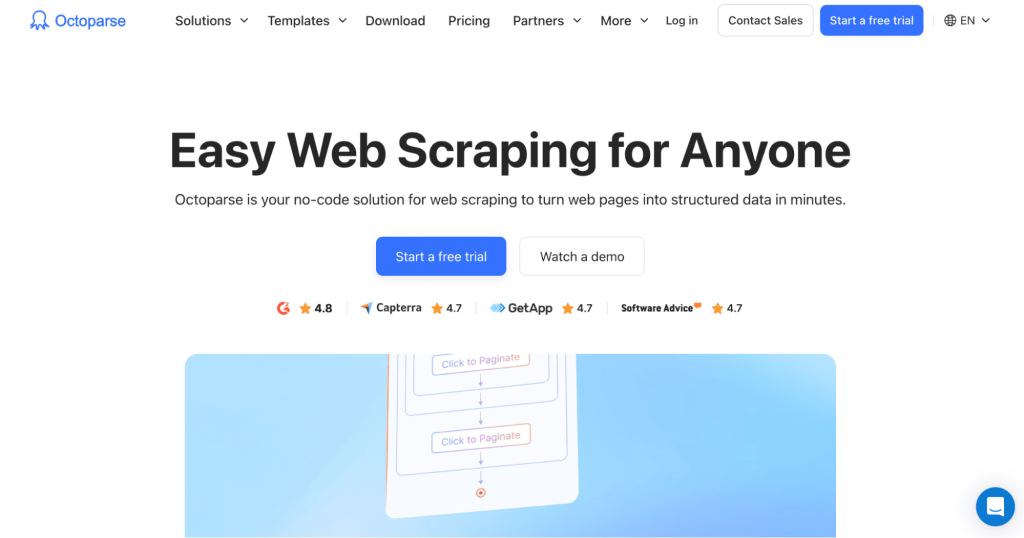
Octoparse is a no-code web scraping tool that turns websites into structured data in minutes and fits well among PhantomBuster alternatives LinkedIn automation tools when lead data collection is the priority. You don’t need programming skills to collect leads, product data, or market insights.
The platform uses templates and visual workflows, making it accessible for beginners while still powerful enough for larger projects.
Octoparse key features:
- No-code data extraction: Collect structured data using a visual interface instead of writing scripts.
- Template library: Start faster with prebuilt scrapers designed for common websites like ecommerce stores and directories.
- Cloud-based scraping: Run tasks on Octoparse servers so your computer doesn’t need to stay online.
- Scheduled extraction: Automate recurring jobs to gather fresh data daily, weekly, or whenever you choose.
- Data export flexibility: Send results to Excel, CSV, databases, or external tools for easy analysis.
- Advanced site handling: Manage pagination, login-protected pages, and dynamic content with guided setup options.
✅ Octoparse pros:
- No-code accessibility: Non-technical users can extract data through a visual interface instead of writing scripts.
- Template library: Prebuilt workflows reduce setup time and help teams start collecting data faster.
- Cloud-based scraping: Tasks can run in the background without relying on your local machine.
- Flexible export options: Easily move data into spreadsheets, CRMs, or analytics platforms.
❌ Octoparse cons:
- Higher-tier pricing: Advanced capabilities are locked behind more expensive plans.
- Learning curve for complex sites: Dynamic pages sometimes require experimentation to scrape correctly.
- Potential blocking issues: Some websites restrict automated extraction.
- Primarily a data tool: Users seeking outreach automation will need a separate platform.
Octoparse is best for:
- Sales teams: Build targeted prospect lists by extracting data from directories and websites.
- Researchers: Quickly collect structured information for analysis without technical complexity.
- Ecommerce businesses: Track competitor pricing, product listings, and market changes more efficiently.
Octoparse pricing
Octoparse offers multiple pricing tiers suitable for beginners and advanced users alike.
| Octoparse pricing plans |
Description |
| Free |
→ For small projects.→ Includes limited tasks. |
| Standard (from $83/month) |
→ Adds cloud scraping and more tasks. |
| Professional ($299/month) |
→ Higher limits and advanced API access. |
| Enterprise (Custom) |
→ Built for large data operations. |
Start with the free version to test the platform, then upgrade for higher limits, cloud extraction, and advanced features.
HeyReach
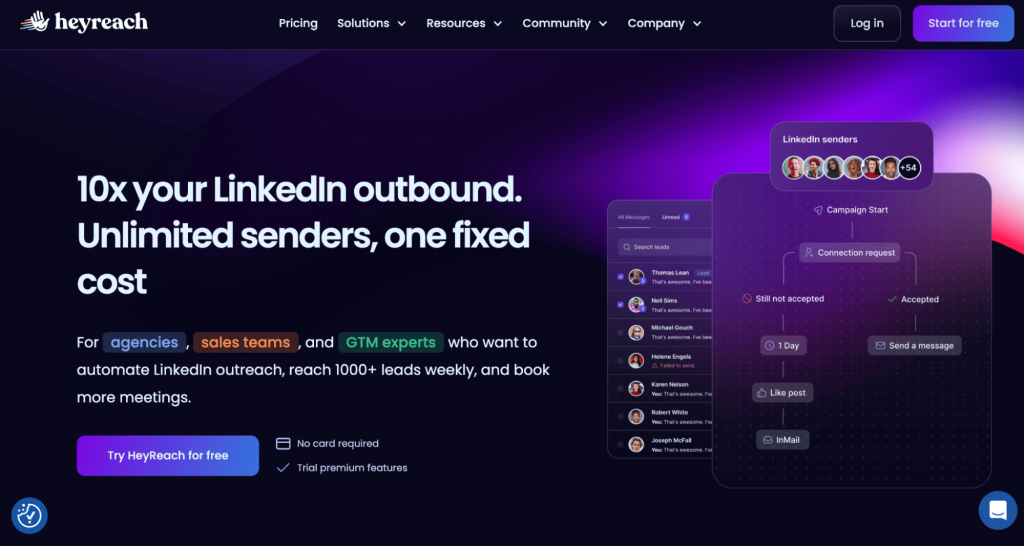
HeyReach is built for teams that want to scale LinkedIn outreach safely and is frequently compared to PhantomBuster alternatives for LinkedIn when managing multiple senders at scale.
You can reach thousands of prospects weekly, manage campaigns from one inbox, and automate actions without juggling several tools.
HeyReach key features:
- Multi-account outreach: Connect several LinkedIn senders and manage them from one dashboard to scale prospecting safely.
- Unified inbox: Read and reply to messages from all accounts in one place, reducing the chance of missed opportunities.
- Unlimited campaign creation: Launch as many outreach campaigns as needed without strict platform limits.
- Built-in safety controls: Spread activity across accounts and timing to support more sustainable automation.
- Native integrations: Sync HeyReach with your existing sales tools to keep data organized.
- Agency-friendly management: Control multiple clients or teams from a single workspace with clear visibility into performance.
✅ HeyReach pros:
- Built for scale: Supports multiple LinkedIn senders, making it ideal for teams running high-volume outbound campaigns.
- Centralized inbox: Managing replies from several accounts in one place improves organization and response speed.
- Predictable pricing model: Fixed plans help businesses forecast costs as they grow outreach efforts.
- Agency-friendly design: Features support managing campaigns across multiple clients efficiently.
❌ HeyReach cons:
- Channel limitation: The platform focuses heavily on LinkedIn, which may not suit teams wanting a multichannel approach.
- Better suited for teams than individuals: Smaller users may not fully benefit from its scaling features.
- Strategy-dependent: Success still relies on strong targeting and messaging.
- Advanced features come at a premium: Higher tiers may feel expensive for early-stage companies.
HeyReach is best for:
- Agencies: Manage large-scale LinkedIn outreach for multiple clients from one centralized platform.
- Outbound teams: Scale prospecting across many accounts while keeping messaging organized.
- GTM teams: Increase meeting volume with consistent, automated LinkedIn campaigns.
HeyReach pricing
HeyReach focuses on predictable pricing with plans built for scaling LinkedIn outreach.
| HeyReach pricing plans |
Description |
| Growth ($79/month) |
→ Includes 1 sender.→ Unlimited campaigns and LinkedIn actions. |
| Agency ($999/month) |
→ Supports 50 senders.→ Includes whitelabel and onboarding help. |
| Unlimited ($1,999/month) |
→ Unlimited senders.→ Priority support and migration help. |
Whether you’re a small team or a large agency, you can choose a tier based on the number of senders and support required.
Finding the perfect automation tool can feel like searching for a needle in a haystack… of robots and PhantomBuster alternatives.
But don’t worry; whether you’re looking for advanced features, budget-friendly options, or just a tool that vibes with your style, there’s an automation solution and plenty of PhantomBuster alternatives out there waiting to be discovered.
Remember, the best tool for you depends on your specific needs and goals. Consider factors like the platforms you use, the level of automation you need, your budget, and the importance of features like data enrichment and CRM integration.
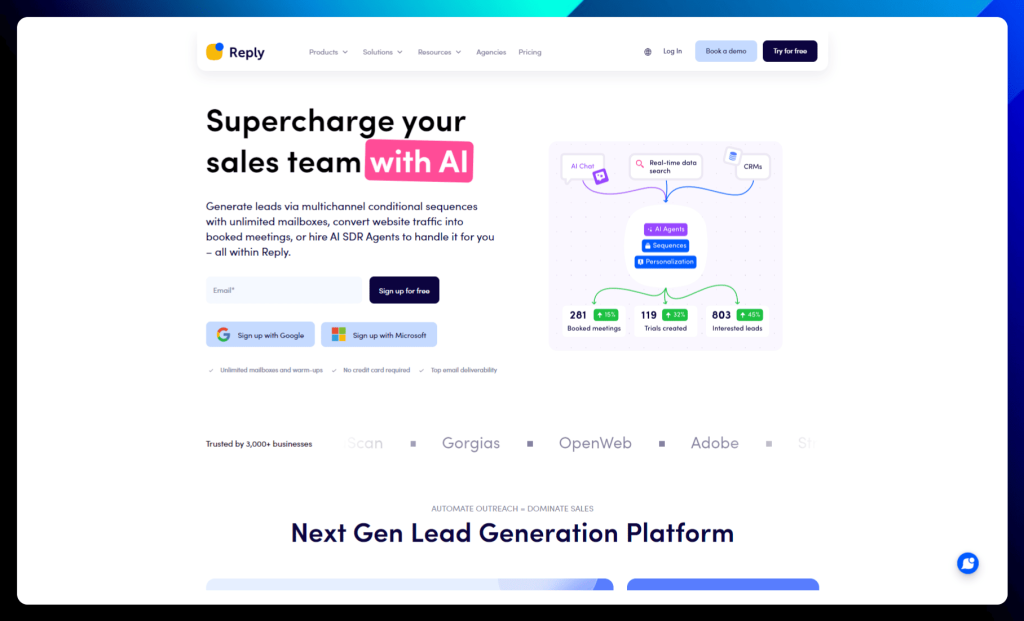
And, why not give Reply.io a try?
We offer a powerful suite of features, including AI-powered automation, multi-channel outreach, and a robust email deliverability toolkit. Plus, our user-friendly interface and exceptional customer support make it easy to get started and achieve your automation goals.
We’re confident that you’ll love how Reply.io can help you streamline your workflows, generate more leads, and boost your sales. Happy automating!